Proactive protection from morning pickup to the final bell
Proactively protecting your student, school, and assets requires an integrating automated student attendance, smart school bus tracking, automated alerts, AI camera and geofencing solutions
Integrating automated student attendance, smart school bus tracking, automated alerts, AI cameras, and geofencing solutions creates a closed-loop security ecosystem that proactively protects students, campus assets, and school transport. By combining these individual technologies into a single, cohesive interface, educational institutions can transition from reactive incident management to real-time risk prevention.
Interactive product concept using fictional school records. Final device capabilities and availability depend on technical assessment.
INTERACTIVE SCHOOL DASHBOARD CONCEPT · FICTIONAL DATA
RIVERSIDE INTERNATIONAL SCHOOLGood morning, school team.
Today / 08:42
Attendance584Present
Exceptions36Unconfirmed
Transport08Routes
SchoolStop 01Stop 02Campus
▰
Route simulation · GPS last-seen must be checked in a live system
● Needs reviewKeep the decision with your team.
Proactive protection from morning pickup to the final bell
Safetycodx is developing a connected view of student arrivals, transport and campus safety. Compatible devices can provide useful signals; authorized school staff review uncertain events before recording outcomes or contacting families.
THE PEOPLE BEHIND EVERY SCHOOL DAY
Behind every update is someone who needs clarity.
Morning arrivals, classroom attendance and the trip home involve different teams. When records sit in separate books, calls and devices, staff spend extra time piecing together what happened. Safetycodx is designed to bring the right information into one reviewed workflow.
01 / THE JOURNEY
For transport teams
See where the bus was last reported, which route it follows, and which student boarding events are confirmed. A delayed signal remains visible instead of looking like an up-to-date location.
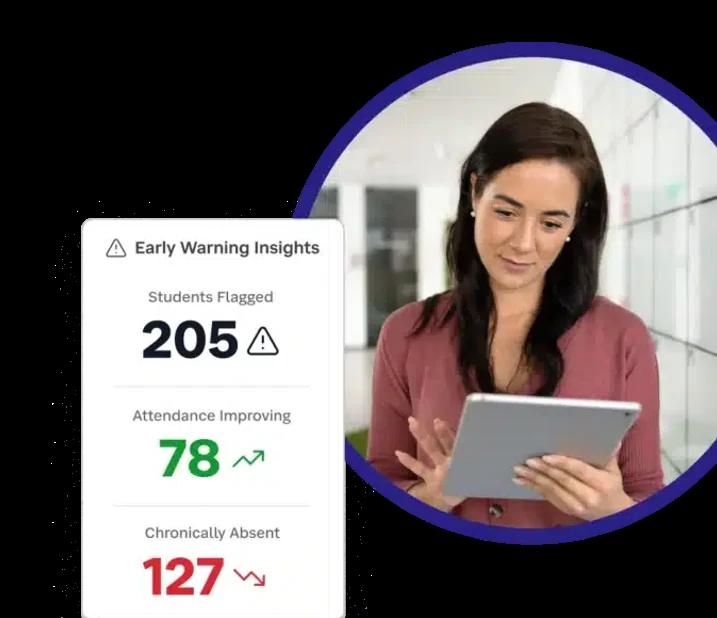
Review attendance records, investigate missing detections and maintain a clear history of staff-confirmed decisions. Teachers focus on exceptions rather than checking every signal by hand.
Keep guardians informed about their own children’s verified arrivals, bus journeys and school updates, without exposing other students or sending premature safety alerts.
The client-provided illustrations below show the proposed capabilities. Final functionality depends on the selected hardware and successful system integration.
STUDENT CHECK-IN
Smart RFID Attendance Solutions for Schools | Safetycodx School ERP
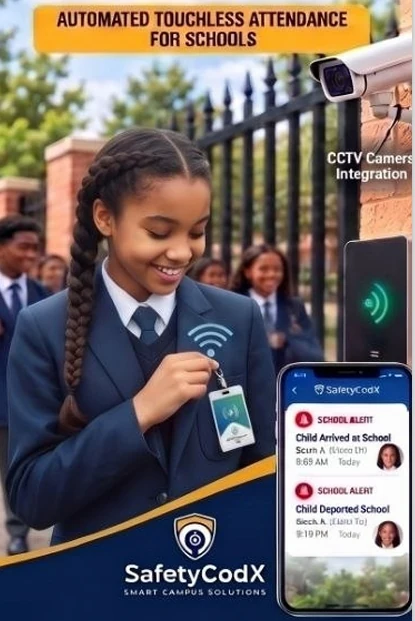
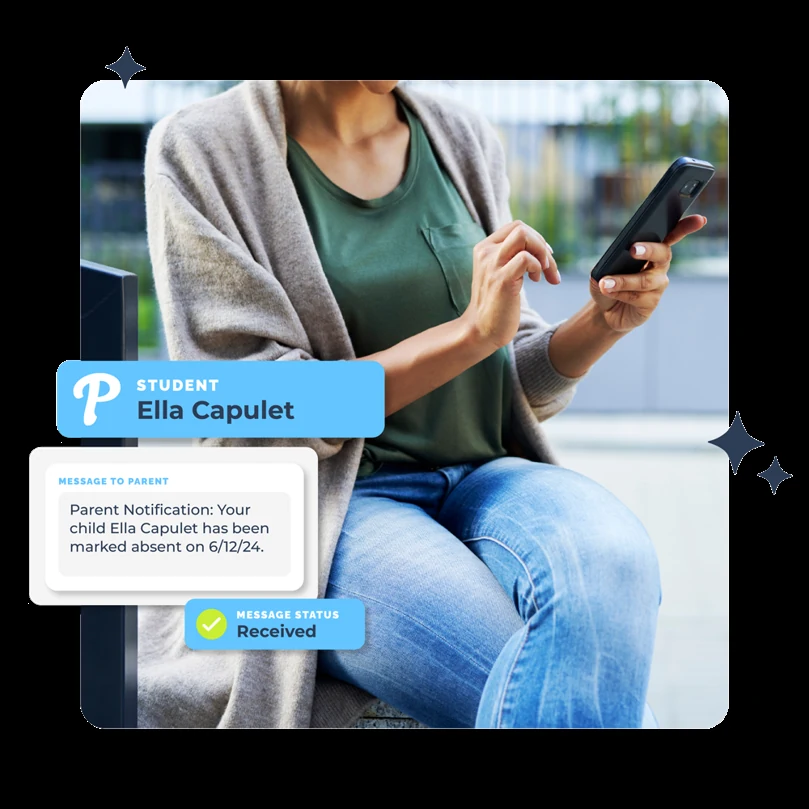
RFID cards and compatible readers can record a student's identifier at an approved school entry point. That event can support the school register while staff review missed scans, shared cards and other exceptions.
Smart GPS Bus Tracking Solution | Safetycodx School ERP
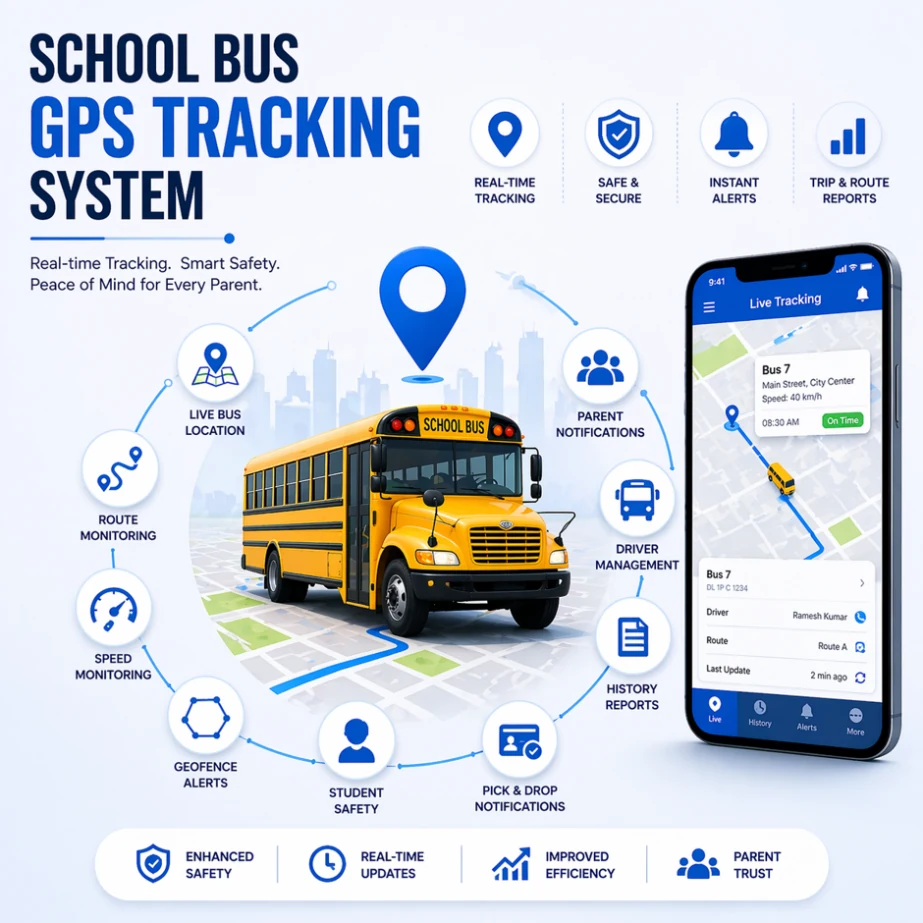
Give transport teams a view of bus routes, last reported positions and journey updates when compatible GPS devices and connectivity are available. A location report is timestamped and may become stale; it does not confirm a child's boarding or whereabouts.
School Child Tracking and Geofencing Within School Premises
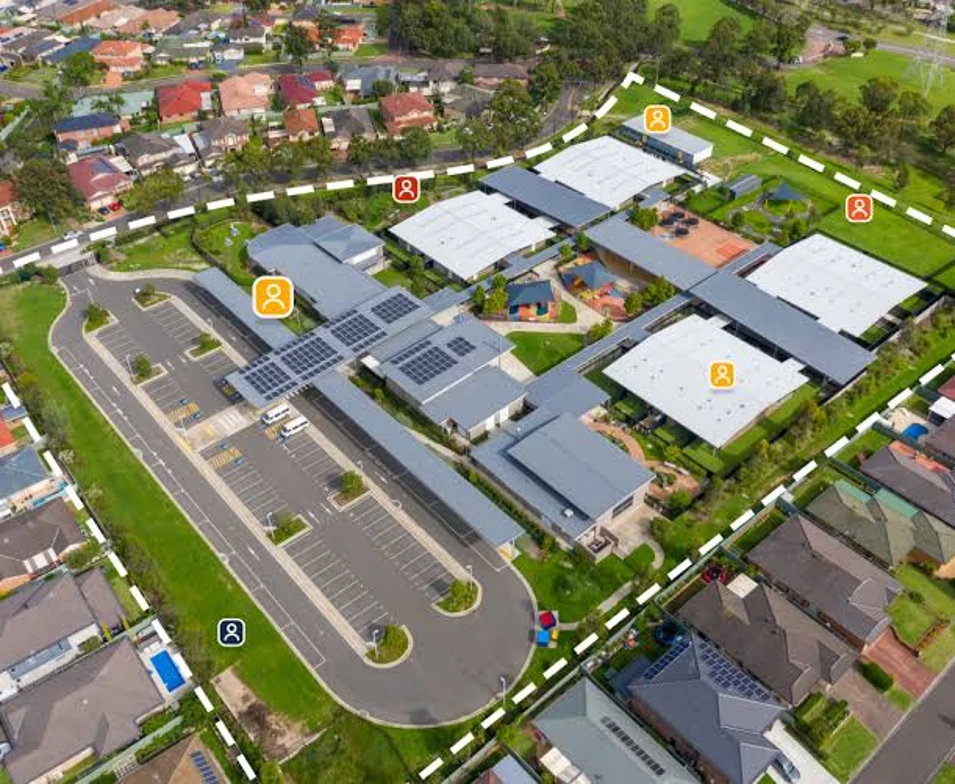
Define school zones and review boundary observations from compatible devices. The goal is to give safety staff timely context, not to promise uninterrupted or exact location tracking.
Turn separate signals into a usable school record.
A detected badge, a GPS location and a camera event each tell part of the story. A school still needs to know when that information was captured, how reliable it is, and who can act on it.
Evidence with context
Show timestamps, device status and the source of each event so staff can distinguish current information from delayed updates.
Clear responsibility
Give teachers, transport coordinators, safety officers and administrators access to the work that belongs to them.
Communication after confirmation
Send child-specific updates when the event is verified, and route uncertain situations to school staff for review first.
School Administrative & Security Operations Centre
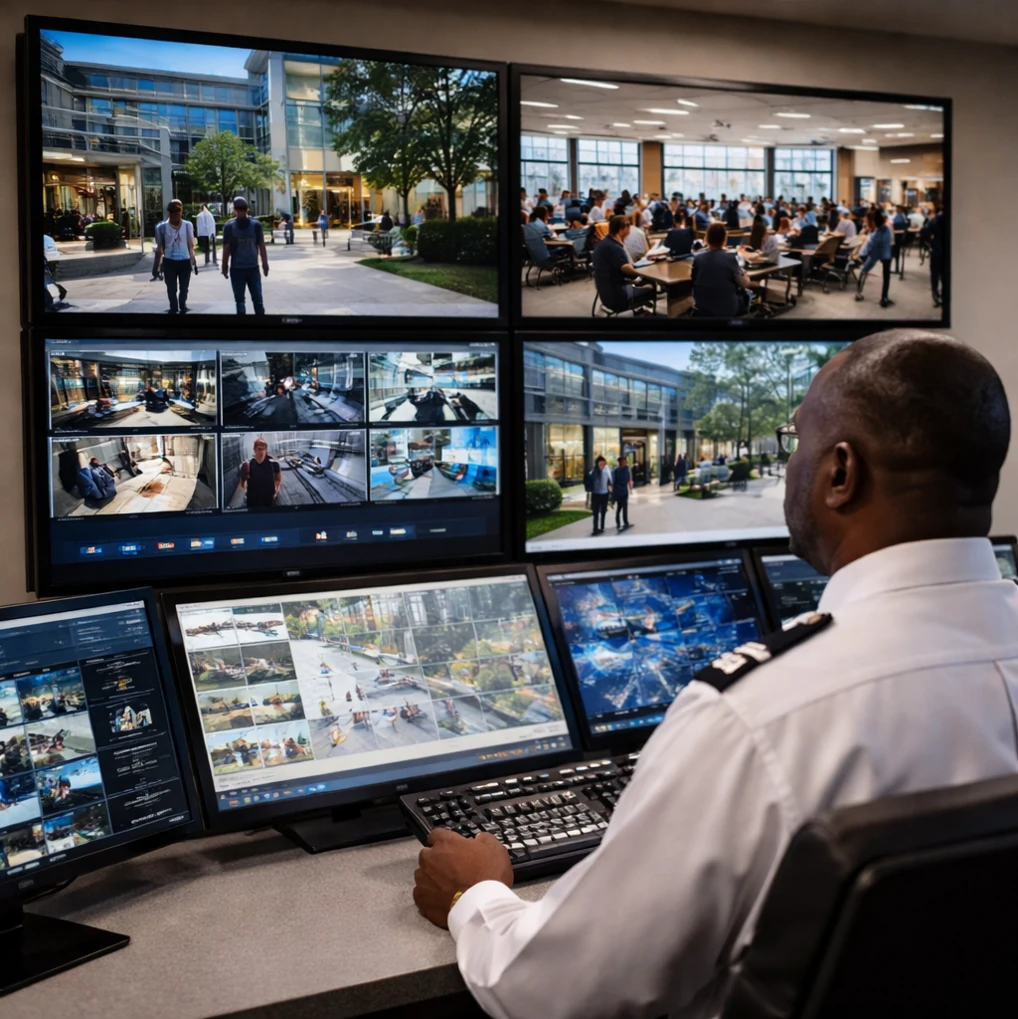
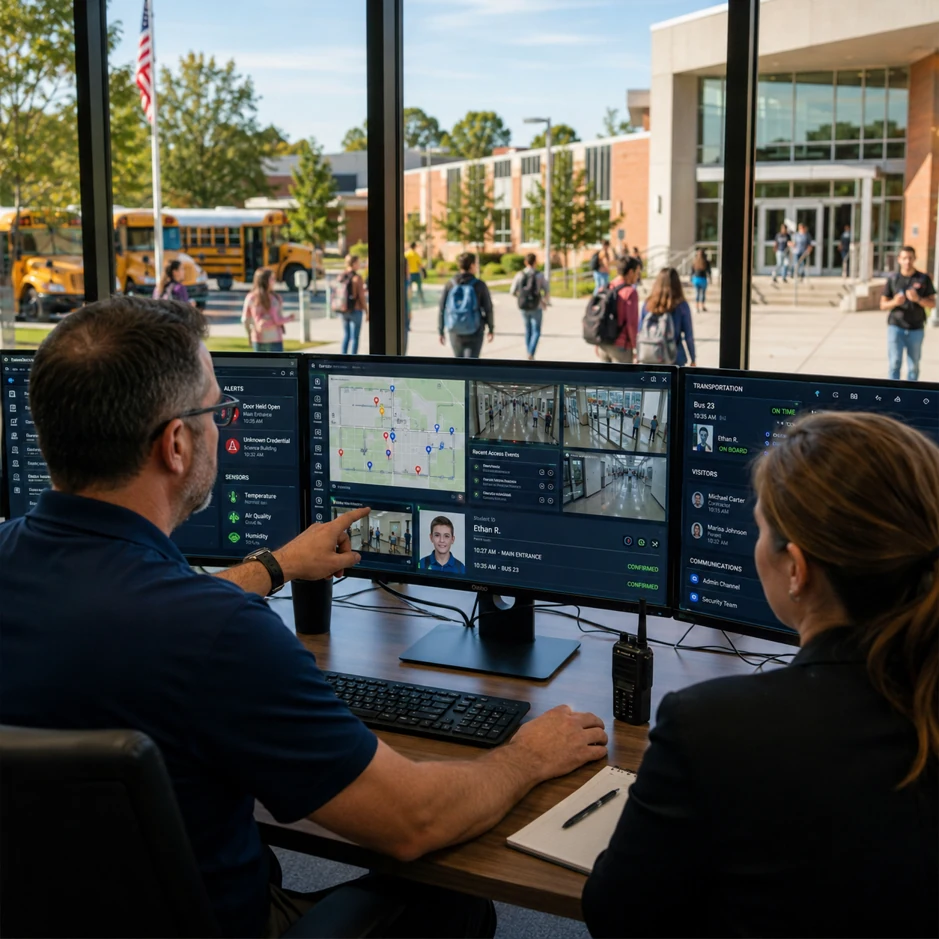
Bring attendance, transport, access and incident observations into a role-based school view. The proposed centre helps staff see what needs checking and which sources last reported.
Explore the monitoring systems
The centre needs suitable infrastructure, permissions, training and a tested response plan.
A proposed design connects four monitoring areas:
Main entry gateways: review compatible card, badge or camera observations at agreed access points.
School bus tracking: show route reports with last-seen timestamps and separate boarding confirmation.
Campus and classroom attendance: show register status and exceptions for staff review.
Geofence monitoring: surface boundary observations and route them to authorized safety staff.
Emergency coordination: use verified records and established school procedures; do not infer that every person has been accounted for from a device feed.
Proposed monitoring design. Camera, facial recognition, gateway and GPS features depend on supplied hardware and integration testing.
The platform design supports distinct experiences without placing the same controls in front of everyone.
01
School leaders
Understand attendance, transport, open incidents and device health in one operational overview. Delegate follow-up to the right team member.
02
Teachers and staff
Focus on assigned classes, mark exceptions, and see verified arrival information that helps the daily register stay accurate.
03
Transport and safety teams
Track routes, review boarding records, respond to geofence observations and connect relevant camera context when devices allow.
04
Parents and guardians
Access authorized updates about linked children, including school arrival, bus progress and important notifications.
OPTIONAL STUDENT PLATINUM PACKAGE
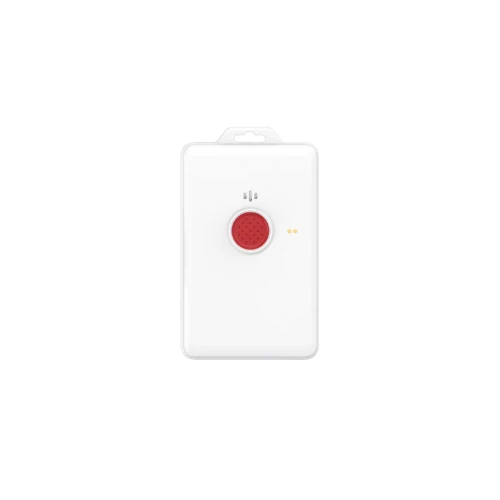
Student Identification with Optional Emergency Panic Buttons
An optional student badge may combine identification with SOS, location or communication features if a suitable supplier device and school response workflow are confirmed. These features are not part of the standard demonstration.
Explore Student Platinum features
An assigned school ID can help link compatible observations to an enrolled student.
Identity checks: use staff review to address lost, shared or incorrectly assigned cards.
Notifications: send only the school-approved message after verification.
Coverage: assess reader speed and reliability on the actual campus.
SOS: test device delivery, staff escalation and false-alarm procedures before any real use.
Location: show a timestamp and uncertainty for any available report.
Voice: assess legality, supplier capability and school authorization before enabling calls or audio.
Geofencing: treat boundary detections as prompts for review.
Optional Platinum package, not standard for all students. SOS, GPS, fall detection and voice features require compatible devices and confirmation from the supplier.
Manage multi-school onboarding, access and verified school summaries.
Access is scoped by organization, school, role and linked child where applicable.
HARDWARE & INTEGRATIONS
Touchless BLE-Based Student Tracking System for Educational Institutions
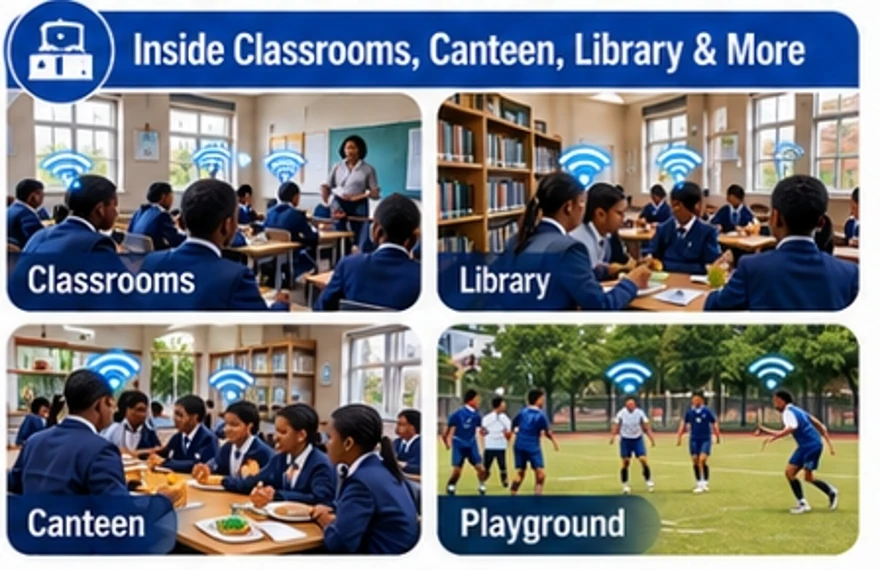
BLE badges and gateways can help schools observe proximity to selected entrances and zones without a student tapping a reader. Coverage and precision vary with the building, device placement, interference and battery condition.
Operational range, badge lifespan and coverage vary by device and site conditions. Confirm these claims with the hardware supplier.
RFID / NFC / BLEAssess reader compatibility, device placement, badge identity and detection coverage.
GPS / route feedsShow reported position, last-seen time, assigned route and stale signals.
ONVIF CCTVVerify the camera model, supported profile, network access and authorized viewers.
FROM FIRST CONVERSATION TO PILOT
A rollout shaped by the way your school operates.
01
Discover
Review attendance processes, transport routes, staff responsibilities and existing hardware.
02
Configure
Set up the right school scope, guardian relationships, roles and event rules.
03
Pilot
Check readers, GPS updates, camera access and exception handling with real staff workflows.
04
Expand
Use evidence from the pilot to refine the setup before wider school adoption.
COMMON QUESTIONS
Questions worth answering before you deploy.
Does a missing badge signal mean a student is absent?
No. The event stays unconfirmed until a permitted school staff member reviews the record.
Can parents follow a school bus?
The intended parent experience can display permitted route and ETA information when compatible GPS data is available.
Can one platform work for more than one school?
The design supports separate school workspaces under company administration, with boundaries for records and roles.
Can any CCTV camera or badge work?
Compatibility varies by model, reader standard, ONVIF profile and network setup. A pilot is needed to confirm each integration.
Will every alert go straight to a parent?
Not necessarily. Unverified safety observations should be reviewed according to the school’s rules before a child-specific notification is issued.
Independent Sales Partner Programme
Help more schools discover a clearer approach to student safety.
Our approved partner programme supports introductions and guided conversations with schools. Applications, marketing activity and referral tracking take place in a separate, restricted workspace on this same website.