Relevant camera access
Present cameras by school location, with clear connection and recording state.
 SafetycodxSafer Schools. Brighter Futures.
An integrated AI-powered facial recognition CCTV and geofencing system tracks student and staff presence and secures school boundaries.
Features shown are proposed workflows; hardware compatibility is assessed during onboarding.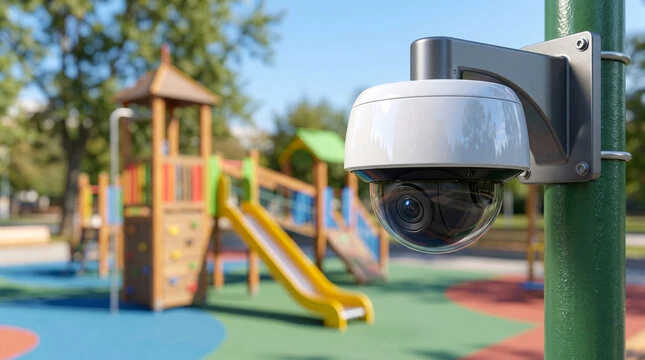
An integrated AI-powered facial recognition CCTV and geofencing system transforms school campuses into secure spaces, tracks student and staff presence, and secures boundaries seamlessly. This technology bridges the gap between mechanical access control and perimeter monitoring, solving three critical operational pillars simultaneously: immediate threat detection, frictionless administrative logging, and boundary control.
Imperceptible Roll Calls: Instead of wasting 10–15 minutes of lesson time, AI cameras positioned at main thoroughfares and classroom entrances capture faces on the move.
ERP & Portal Sync: Attendance data is pushed directly to the school's Management Information System (MIS) or ERP software, immediately logging absences or lateness without teacher intervention.
Instant Parent Alerts: Automated systems trigger SMS or app notifications to parents the exact moment their child safely enters or leaves the campus boundary.
Advanced matching engines prevent congestion and eliminate mistaken student drop-offs or collections.
Parent Matching: Facial feeds link parents or guardians to their respective children.
ANPR Integration: Gate cameras read number plates and verify driver identities synchronously.
Information Dashboards: Arrival data displays directly onto waiting-area screens so students can exit systematically.
Virtual Guardrails (Geofencing): Digital perimeters are mapped around the school boundaries. If a student tries to breach the perimeter or skip school during hours, an automated alert triggers to notify security staff.
Smart Line-Crossing Detection: Outdoor 4K/3K cameras use AI analytics to identify human or vehicle shapes rather than harmless wind or animals.
Intrusion Alerts: If someone loiters by the fence line or crosses an outer boundary after hours, the system tracks their motion path and flags them as 'Unknown' to on-duty guards.
Present cameras by school location, with clear connection and recording state.
Open the relevant camera view from an alert when the device and network permissions support it.
Keep camera access separate from parent accounts and restrict views to designated school security roles.
Each stage can be configured around the school’s existing operating procedures and the capabilities of compatible devices.
Inventory camera models, ONVIF profiles and network settings.
Connect compatible devices and confirm stream availability.
Assign cameras to school zones, gates and permitted user roles.
Use camera context in a documented incident-review workflow.
Attendance, transport, parent communication and incident handling are more useful when staff can follow related information without losing permissions or context.
Explore the full platform →No. Supported profiles, device model, NVR setup and network access determine what can be integrated.
The proposed parent experience does not provide school-wide CCTV access.
Tell us what your team needs. We will use your details to prepare a relevant conversation.
Book a Demo →